📝 Introduction
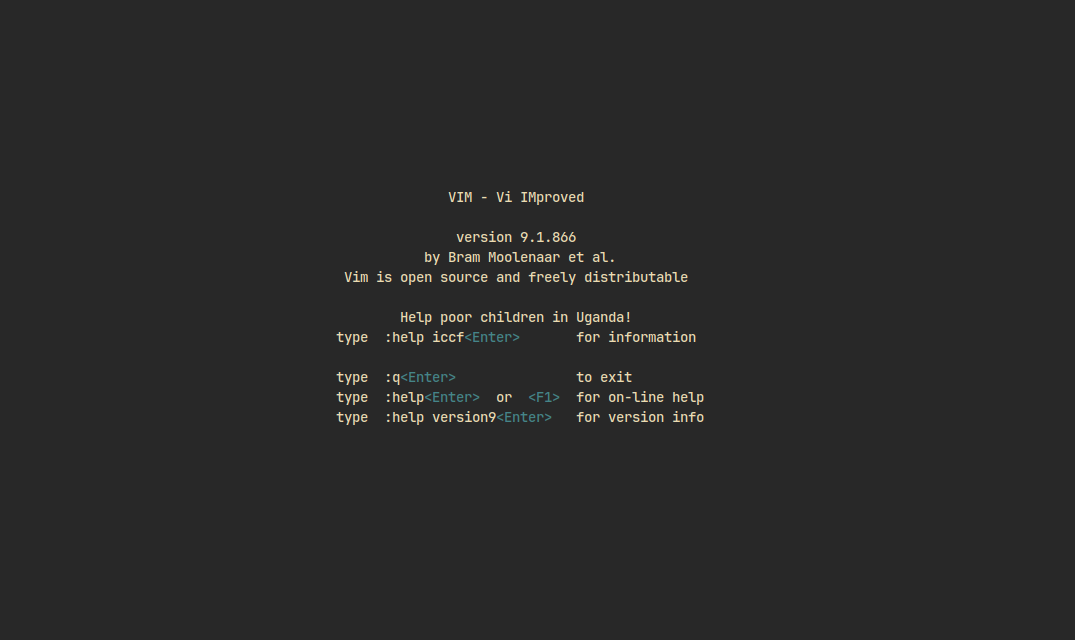
This post is primarily for my own use, containing Vim commands that I frequently use or am trying to learn and remember. It focuses on essential motions and navigation techniques to improve efficiency.
Note: This post changes and updates frequently.
🏠 Basics
Basic commands to get started with Vim.
i→ Insert modeESC→ Exit insert mode:w→ Save file:q→ Quit:wqorZZ→ Save and quit:q!→ Quit without saving
🔄 Moving Around
Essential motions for navigating within a file efficiently.
h→ Leftj→ Downk→ Upl→ Right0→ Beginning of line^→ First non-blank character of line$→ End of linew→ Next wordb→ Previous worde→ End of wordgg→ Go to start of fileG→ Go to end of file5G→ Go to line 5Ctrl-d→ Move down half a screenCtrl-u→ Move up half a screenCtrl-f→ Move forward one full screenCtrl-b→ Move backward one full screen
🔍 Searching and Replacing
Commands to search within a file and replace text efficiently.
/pattern→ Search forward?pattern→ Search backwardn→ Repeat last search forwardN→ Repeat last search backward:%s/old/new/g→ Replace alloldwithnew:.,+3s/old/new/g→ Replace in current and next 3 lines
📂 Working with Files
File management commands to open, navigate, and switch between files efficiently.
:e filename→ Open file:tabe filename→ Open in a new tab:sp filename→ Open in a horizontal split:vsp filename→ Open in a vertical split:ls→ List open buffers:bnextor:bn→ Next buffer:bprevor:bp→ Previous buffer:bd→ Delete buffer
📝 Editing
Essential editing commands for modifying text quickly.
x→ Delete character under cursordd→ Delete (cut) current lineyy→ Copy current linep→ Pasteu→ UndoCtrl-r→ RedoV→ Visual line selectionv→ Visual character selectiony→ Yank (copy)d→ Delete (cut)c→ Change (delete and enter insert mode)
🎯 Marks and Jumps
Marks allow you to bookmark positions in your file and jump between them easily.
→ Jump back to last cursor position''→ Jump back to last line:marks→ Show marksmX→ Mark position withX'X→ Jump to markX
⌨️ Macros
Macros allow you to record and replay sequences of commands, helping with repetitive tasks.
qX→ Start recording macroXq→ Stop recording@X→ Run macroX@@→ Run last macro
🚀 Miscellaneous
Various useful commands for enhancing workflow.
:noh→ Remove search highlight:set number→ Show line numbers:set relativenumber→ Show relative line numbers:set ignorecase→ Case-insensitive search:set smartcase→ Case-sensitive when uppercase is usedCtrl-g→ Show file info
📌 Tip: Mastering these commands will make you lightning-fast in Vim!
Let me know if you’d like any additions or modifications! 🚀